Page3 - Designing My Homepage Vision Using Next.js for my FREE AI App to Automate Social Media Posting
How I Designed a Homepage for My FREE AI App to Automate Social Media Posting
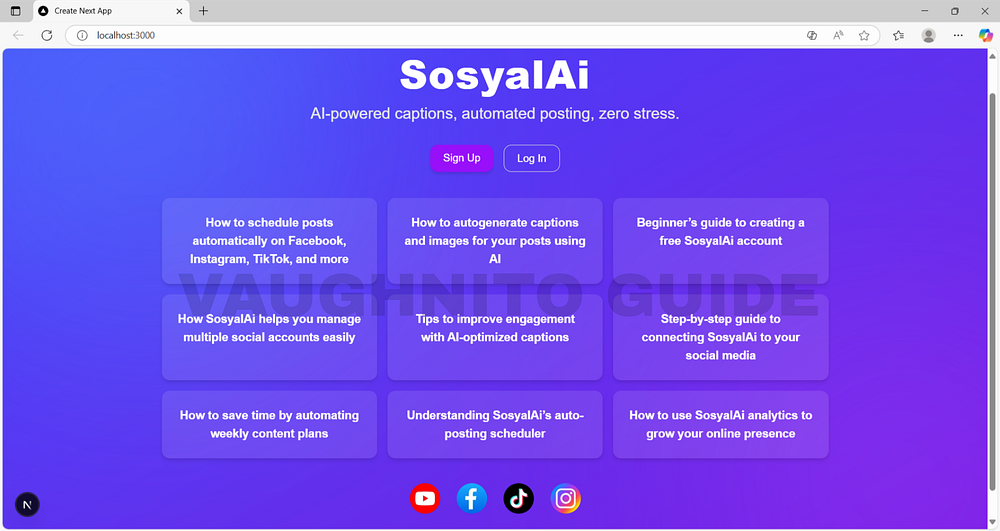 |
| Homepage wireframe design for SosyalAi, a free social post AI automation app built with Next.js. |
Have you ever stared at your screen, juggling 5 social media tabs, and thought, “There’s got to be a better way to do this”? Yeah, me too. That’s the day SosyalAi was born, not in a fancy startup office, but in the chaos of managing my own content. When I realized that most social post automation tools cost more than my entire monthly Wi-Fi bill, I knew I had to build my own solution, something smart, simple, and self-sustaining.
Get the full code after reading.
The Spark Behind SosyalAi
I didn’t plan to create a FREE Social Post AI automation app. I just wanted to stop paying absurd fees.
When I searched for tools that could automatically post to Facebook, TikTok, Instagram, X (Twitter), Threads, YouTube, and my personal blog I was shocked.
Platforms like:
- Hootsuite - starts around $99/month
- Buffer - about $60/month
- Later - roughly $80/month for multi-platform
- Sprout Social - can shoot up to $249/month
That’s like paying rent… just to post pictures of your coffee.
So, I decided:
If they can build one, so can I.
That’s when SosyalAi became my weekend obsession my personal automation assistant that would post, caption, and publish across platforms without draining my wallet.
My Vision: AI + Automation + Simplicity
When you start a project like this, you have two choices:
👉 Make it look fancy, or
👉 Make it work perfectly.
I chose both.
I wanted SosyalAi’s homepage to feel alive, like an app that breathes AI energy but stays calm and intuitive. The goal? When someone visits, they should think:
This looks smart… but I actually understand it.
So, my design pillars were:
- 🧠 Intelligence: Subtle animations, gradients, and smooth transitions to reflect AI fluidity.
- ⚙️ Automation: Buttons and sections that respond instantly, representing real-time sync.
- 🧘♂️ Simplicity: Clean layout, easy navigation, and quick sign-up. No clutter. No chaos.
I wanted the homepage to represent what SosyalAi stands for effortless creation and automated connection.
Why I Chose Next.js 15
I’ve always admired how Next.js balances speed and flexibility. But when I tested Next.js 15, it felt like stepping into developer heaven.
Here’s why it clicked for SosyalAi:
- Server + Client Components: Faster loading for dynamic content (guides, updates, etc.).
- Optimized Images: Because who wants to wait for icons to load?
- SEO Ready: Built-in optimizations that make Google and ChatGPT search love you.
- Future-Proof: The framework evolves as fast as the AI world itself.
So when I started coding, I dropped this line:
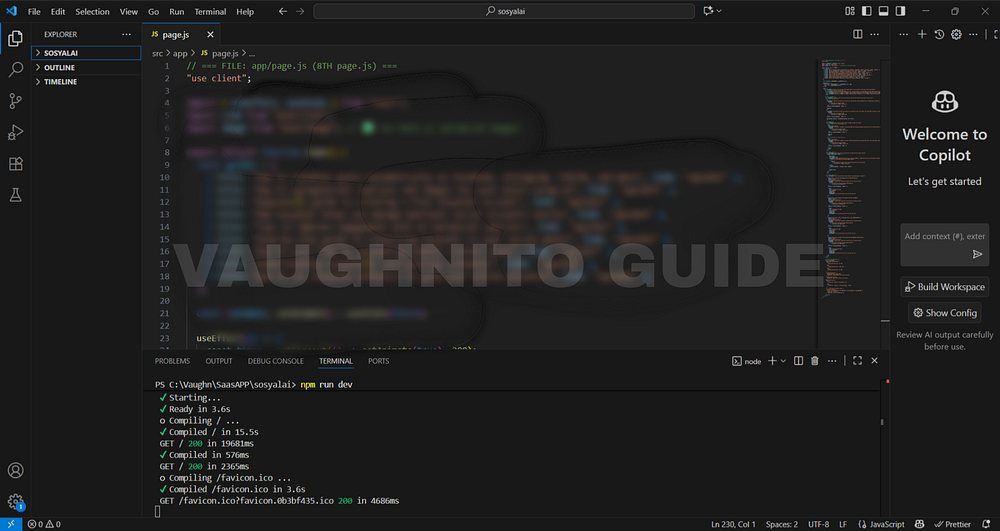 |
| A clean, modern homepage design built to simplify AI-driven social post scheduling. |
"use client";It felt like turning the key in a new car. That one command gave me reactive control, letting animations, buttons, and components live on the client side smooth and fast, just how SosyalAi should behave.
Sketching the Vision: From Rough Idea to Visual Prototype
I still remember my first rough sketch drawn on a coffee-stained notepad. A glowing headline at the center, two buttons below (“Sign Up” and “Log In”), and animated background that felt alive.
From there, it turned into code:
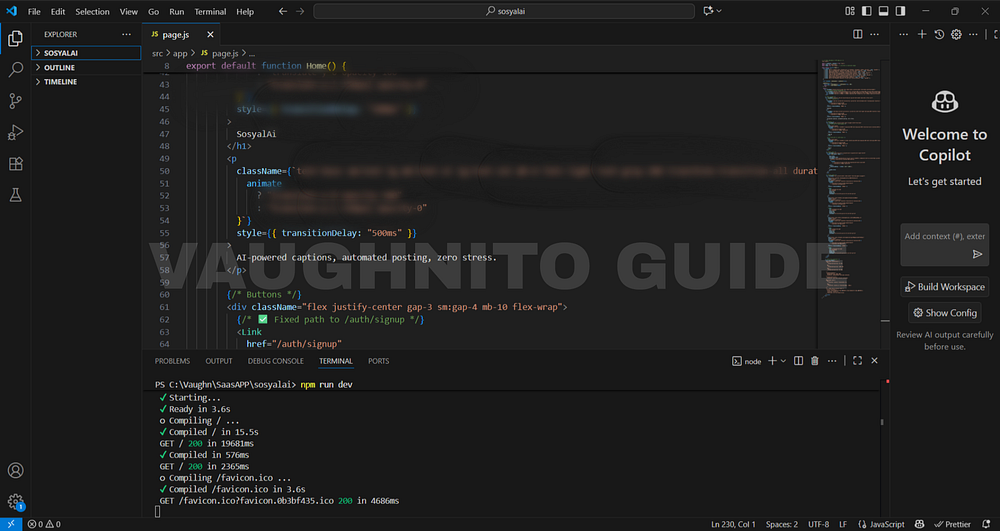 |
| Homepage layout draft featuring intuitive UI and automation tools for social media creators. |
<h1 className="text-6xl font-extrabold mb-4">
  SosyalAi
</h1>
<p className="text-xl text-gray-200 mb-8">
  AI-powered captions, automated posting, zero stress.
</p>
These two lines became my homepage’s heartbeat. No fancy components yet just a message that spoke for itself.
Then came the colors. Blue, purple, and indigo gradients to represent trust, creativity, and calm innovation. It wasn’t just design; it was psychology in CSS.
Making It Move: The Magic of Animation
Static websites are like silent robots. SosyalAi needed to breathe. That’s when I added my favorite part the animated gradient background:
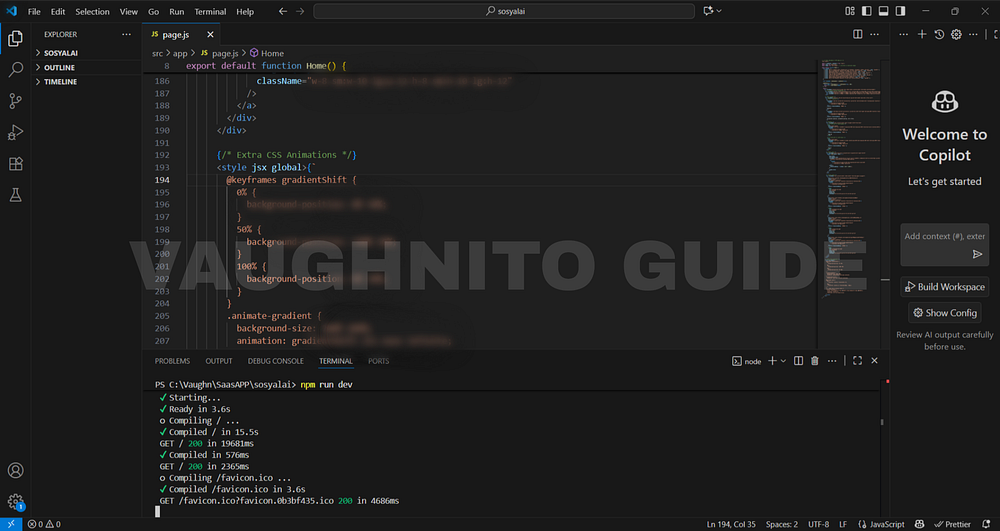 |
| Designing the main homepage concept for SosyalAi to blend simplicity, AI, and automation. |
@keyframes gradientShift {
  0% { background-position: 0% 50%; }
  50% { background-position: 100% 50%; }
  100% { background-position: 0% 50%; }
}
.animate-gradient {
  background-size: 200% 200%;
  animation: gradientShift 15s ease infinite;
}
This single animation gave my homepage life. It’s like the app is saying,
Hey, I’m awake. Ready to create something?
Every movement matters from the soft button hover to the glowing icons. Animation isn’t just decoration; it’s emotion in motion.
The Human Touch in Frontend Design
One mistake many devs make: they code for machines, not for people. I wanted every element to feel intentional.
So I asked myself:
What would make a first-time visitor stay for 10 seconds longer?
The answer:
- Easy-to-read fonts
- Warm color transitions
- Familiar call-to-action buttons
- Social icons that bounce playfully inviting you to click
Each hover effect was crafted to trigger dopamine just enough to say,
I like this place.
Building Trust with Design Simplicity
People don’t trust what they don’t understand.
So I made SosyalAi’s homepage visually honest.
No flashy jargon, no over-promising, just:
- A headline that speaks the product’s soul
- A tagline that defines purpose
- Links to guides for immediate value
- Visible social proof (YouTube, TikTok, Instagram and Facebook)
That’s it.
Because the truth is, simplicity builds credibility.
Lessons I Learned While Building SosyalAi’s Homepage
If I could sum up this experience, it would be this:
Frontend is not just code, it’s communication.
Here are a few lessons that might save you a few cups of coffee:
- Start ugly. Rough sketches lead to refined systems.
- Design for speed first. Fancy doesn’t matter if it loads slow.
- Animations must have a purpose. Don’t move stuff just because you can.
- Pick colors that talk. They say everything your words don’t.
- Don’t chase perfection. Chase clarity.
“And remember, every click tells a story.”
So tell me, what’s that one app idea sitting in your drafts?
What’s stopping you from building it?
I started SosyalAi to solve my own problem, and maybe my story can nudge you to start yours too.
Let’s build things that make life simpler, one line of code at a time.
🧭 What’s Next
In Page 4, I’ll walk you through how I began building the core layout, the true skeleton of the SosyalAi home. Here, I structured the base components, set up the layout hierarchy, and made the interface responsive and ready for customization. This stage is where SosyalAi’s homepage started to take its real shape as the foundation of my FREE AI App for automated social media posting.If this resonates with you:
- 💬 Leave me a comment below, I read every single one.
- 🔗 Pass this to a friend who’s tired of expensive SaaS bills.
- ❤️ Follow me for the SosyalAi coding journey.
☕ If you’d like to support my work, you can buy me a coffee, I’ll keep turning caffeine into code!
👉 If you want to copy the entire homepage code, check it out on my official website.
Before you go, if this story inspired you to start your own build, you might also enjoy:
💌 Click the email icon at the bottom of this story to subscribe and get notified when I release new coding topics, tutorials, and behind-the-code stories.
Comments
Post a Comment